Everything runs through spreadsheets
Scattered information, repeated entries and files that are hard to share. Your team has to reconstruct a common view.
Custom CRM · ERP · Business applications · Automation
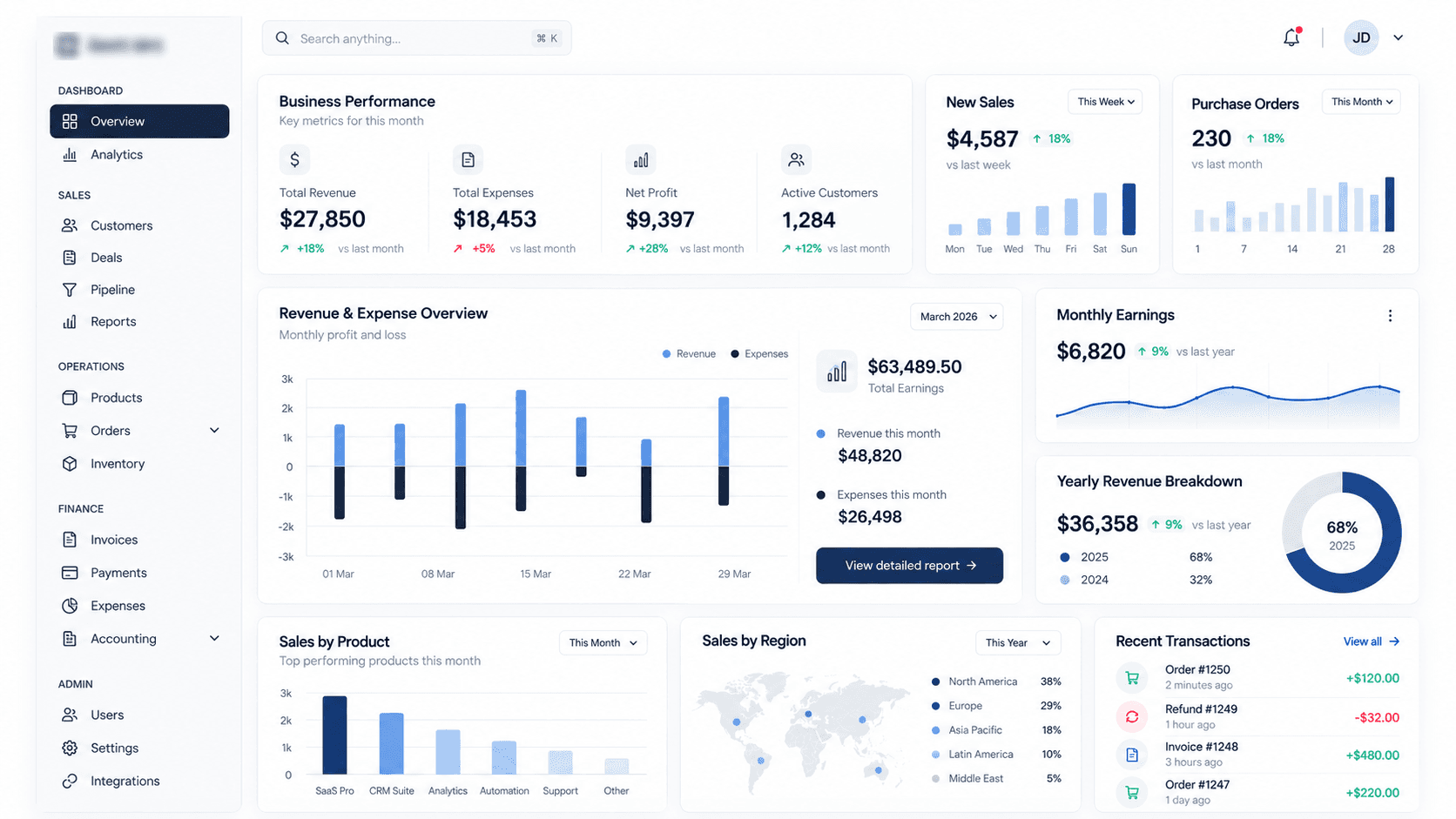
Crealytic builds CRMs, ERPs and business applications tailored to your company. We connect your tools and automate processes to reduce manual tasks and simplify everyday work.
You do not need a detailed specification to get started.
Scattered information, repeated entries and files that are hard to share. Your team has to reconstruct a common view.
The same data is copied between applications. Conversations and operations lose their context.
Follow-ups, documents and approvals need manual intervention and slow down case processing.
A CRM, ERP, business application or automation: we start with the problem to solve and the tools you already use.
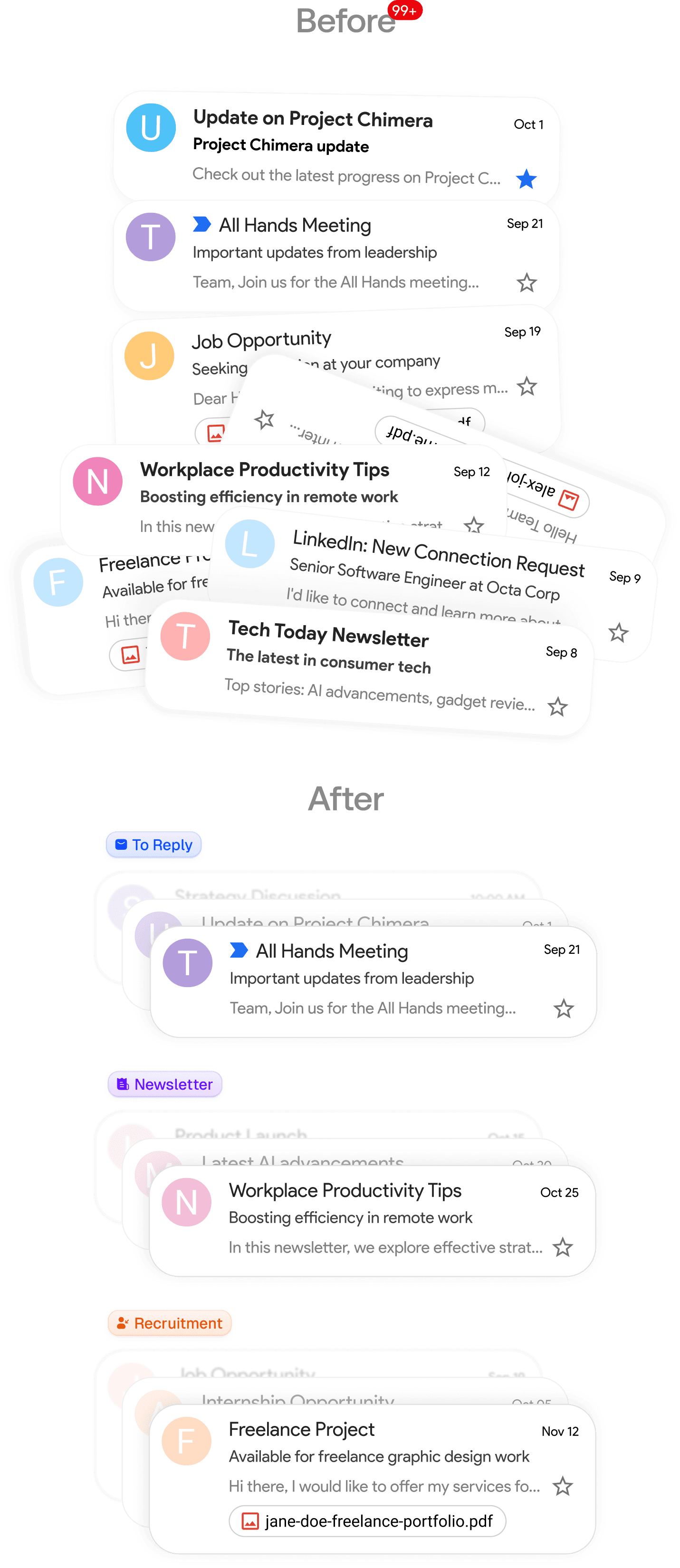
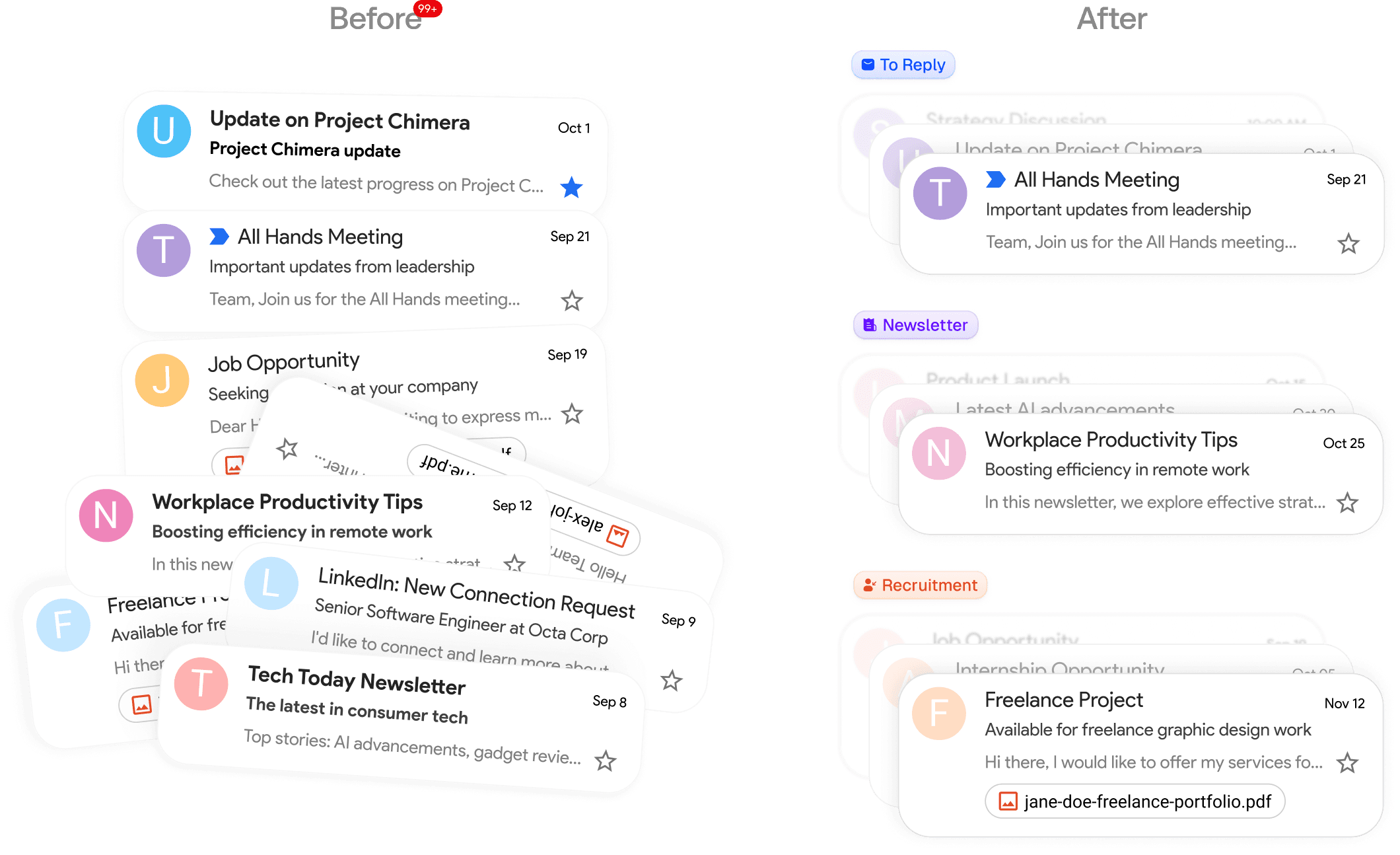
Bring prospects, customers and conversations into a CRM that matches your sales stages. Crealytic designs sales workflows, integrations and data migration around the work your team actually does.
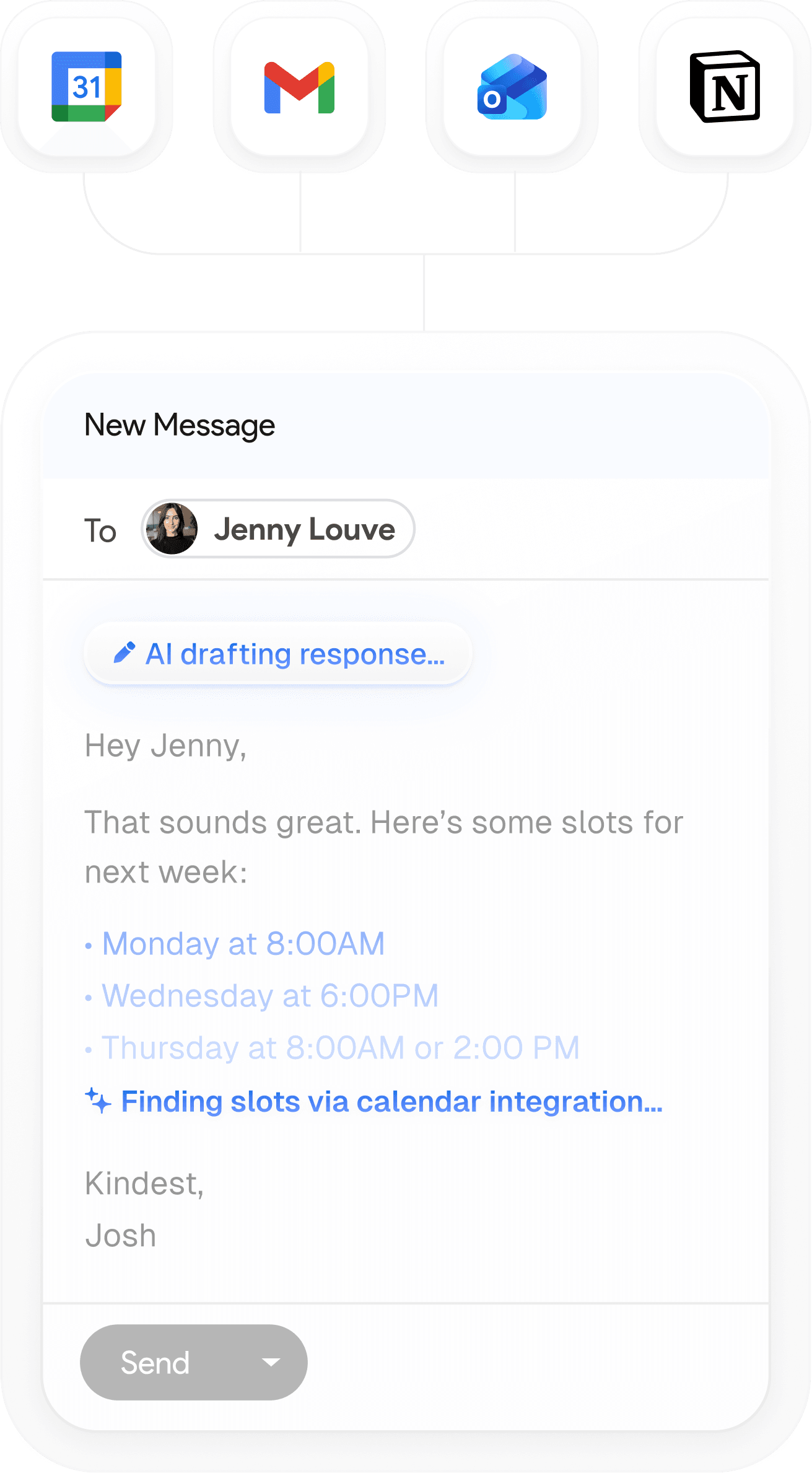
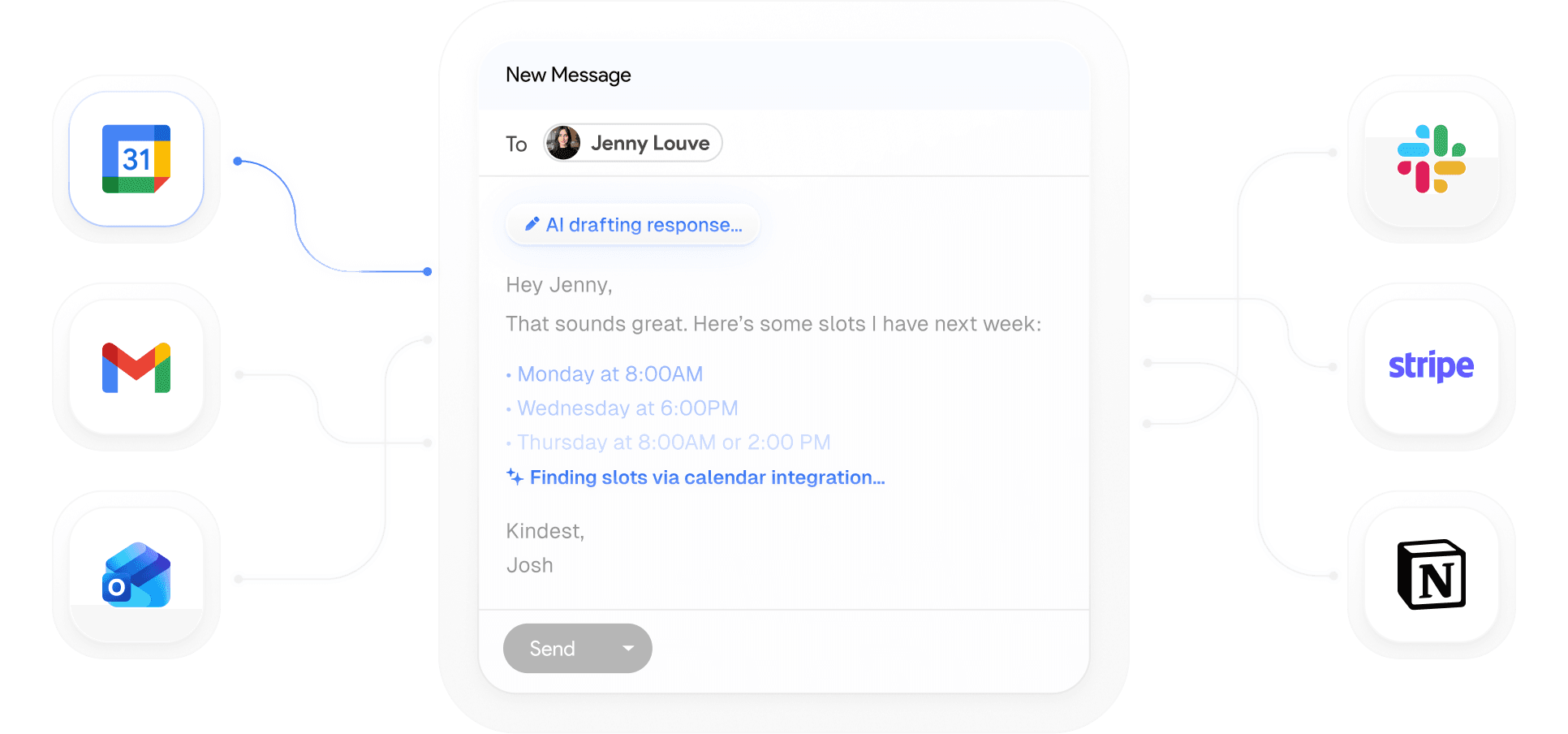
Connect orders, purchasing, inventory, shipments and documents in one coherent workflow. Crealytic defines the modules your company needs and how they work with your existing software.
Customer portals, field-work tracking, case management and internal tools: Crealytic builds custom web applications around your users and business rules.
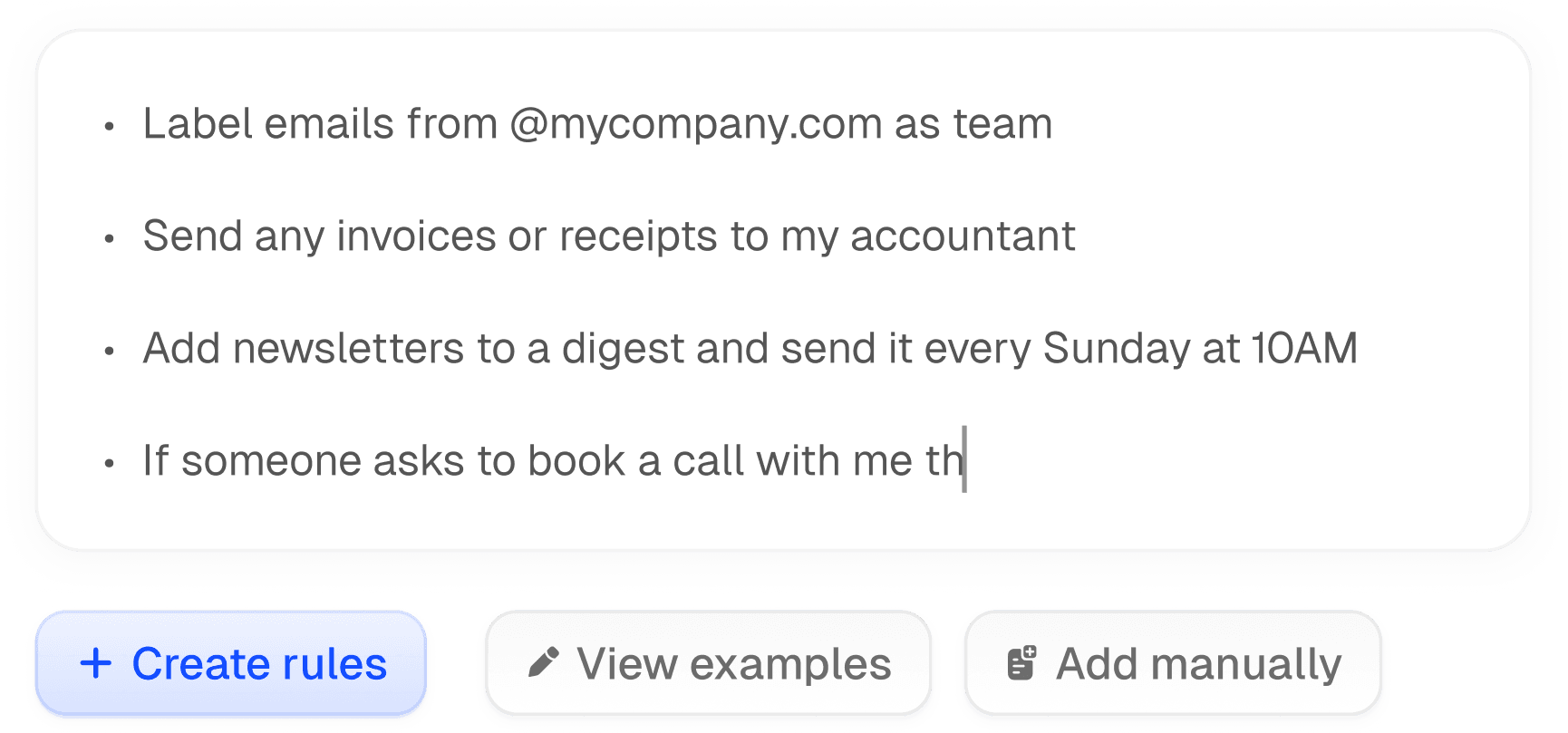
Crealytic connects your tools to automate data transfers, notifications and documents. AI can support extraction or classification when the process calls for it.
These scenarios illustrate what a tailored tool can support. The workflow and its controls are defined with your team.
Example workflow
Today : An inquiry stays in an inbox and the next follow-up depends on a personal reminder.
With a structured process : The team has customer context and knows who needs to act.
Example workflow
Today : Orders, purchases and shipments are tracked in separate spreadsheets.
With a structured process : Each step stays linked to the order and discrepancies are visible.
Example workflow
Today : Information is copied into each document and sent manually.
With a structured process : Documents are prepared from case data and approved before sending.
Example workflow
Today : Bookings and customer notes arrive through several channels without a shared view.
With a structured process : Requests join a common workflow with availability and customer context.
Fit the scope to your problem and keep the tools that already meet your needs.
Begin with a useful workflow or module, then prioritize improvements based on usage.
Define data, exports, code rights, hosting, maintenance and continuity in the project agreement.
Step 1
Review your tools, data, users, bottlenecks and priorities.
Step 2
Agree deliverables, responsibilities, validation criteria, schedule and commercial model.
Step 3
Develop in stages and validate realistic workflows, including exceptions.
Step 4
Organize access, data migration, hosting and maintenance under the agreed arrangements.
You do not need a detailed specification to get started.
Integrations are assessed against available APIs, access permissions and the constraints of each tool.
 Stripe
 Slack
Slack Vercel
 Figma
Figma GitHub
 Linear
 Supabase
 Notion
WhatsApp and other channels are integrated where technical access allows.
When available tools do not adequately cover your business rules, data or user journeys. We first review options for adapting and connecting existing systems to identify a useful scope.
Cost depends on features, integrations, data migration and support needs. After an initial discussion, scoping defines deliverables and an estimate for a specific set of requirements.
Yes, where its capabilities allow. We check APIs, export formats, access permissions and limits before proposing integrations or adaptations.
Yes. A workflow or module can form a coherent first scope. We identify its dependencies and validation criteria before planning an expansion.
Data ownership, code rights, access and export arrangements are specified in the project documents. These points are clarified before development.
Responsibilities, backups, access, support and maintenance arrangements are defined for the project. We specify what is included and the terms for later support or improvements.
Timing depends on scope, integrations, migration and the availability of reviewers. Scoping establishes a staged schedule with dependencies and expected validations.
Yes. Describe your current workflow, tools, difficulties and desired outcome. That is enough for an initial discussion and to identify the questions that need scoping.
Guides to your customer data, tools and sales workflows.
CRM & Sales
Understand what a CRM integrator does, what a CRM integration project should include, and how to evaluate a provider.
Lina Ahmadoun

CRM & Sales
A practical guide to choosing customer management software and deciding which customer data, processes and workflows should be centralised.
Lina Ahmadoun

CRM & Sales
Understand when a custom CRM makes more sense than an off-the-shelf tool, what it should include, and how to approach the project.
Lina Ahmadoun

Tell us how you work now, the tools you use and what you want to improve. We will help you identify a realistic first scope.
You do not need a detailed specification to get started.